Quick answer: LED lights can cause radio interference when the LED driver, dimmer, transformer, or vehicle light module sends unwanted radio-frequency noise into the air or back onto the wiring. First prove the light is the source by switching it off and on while listening to the radio. Then fix the source: replace noisy bulbs or drivers, remove incompatible dimmers, separate wiring from antenna/coax runs, improve grounding, and use the right ferrite choke on the LED power leads when appropriate.

How To Confirm The LED Light Is The Problem
Do not start by buying filters. Start with a simple isolation test so you know which device is actually making the noise.
| Test | What to do | What it tells you |
|---|---|---|
| Switch test | Turn the LED light on and off while listening to the affected radio band | If the noise follows the light, the LED system is a likely source |
| Distance test | Move a portable AM/FM radio closer to the light, driver, dimmer, or power supply | Noise that gets louder near one part points to the source |
| Dimmer test | Bypass or temporarily remove the dimmer if safe and permitted | If noise changes, the dimmer/LED pairing may be the issue |
| Bulb swap | Try a known quiet, name-brand LED or temporarily reinstall an incandescent/halogen load where safe | Helps separate bulb/driver noise from house wiring or radio problems |
| Circuit test | Check whether other devices on the same circuit change the noise | Points to conducted noise travelling through wiring |
Why LED Lights Cause Radio Noise
The LED chip itself is not usually the problem. The noisy part is more often the electronic driver, switching power supply, dimmer, transformer, or control module. Those parts switch current quickly, and poorly filtered switching noise can radiate from wiring or travel back through the power line.
| Source | Common symptom | Best first fix |
|---|---|---|
| Cheap LED bulb or fixture driver | Buzz or hash on AM, shortwave, CB, ham, or weak FM stations | Replace with a better-quality LED product |
| Incompatible dimmer | Noise changes as brightness changes | Use an LED-rated dimmer listed by the bulb/fixture maker |
| Low-voltage transformer | Noise appears only on landscape, cabinet, or strip lighting | Use a compatible LED driver/transformer |
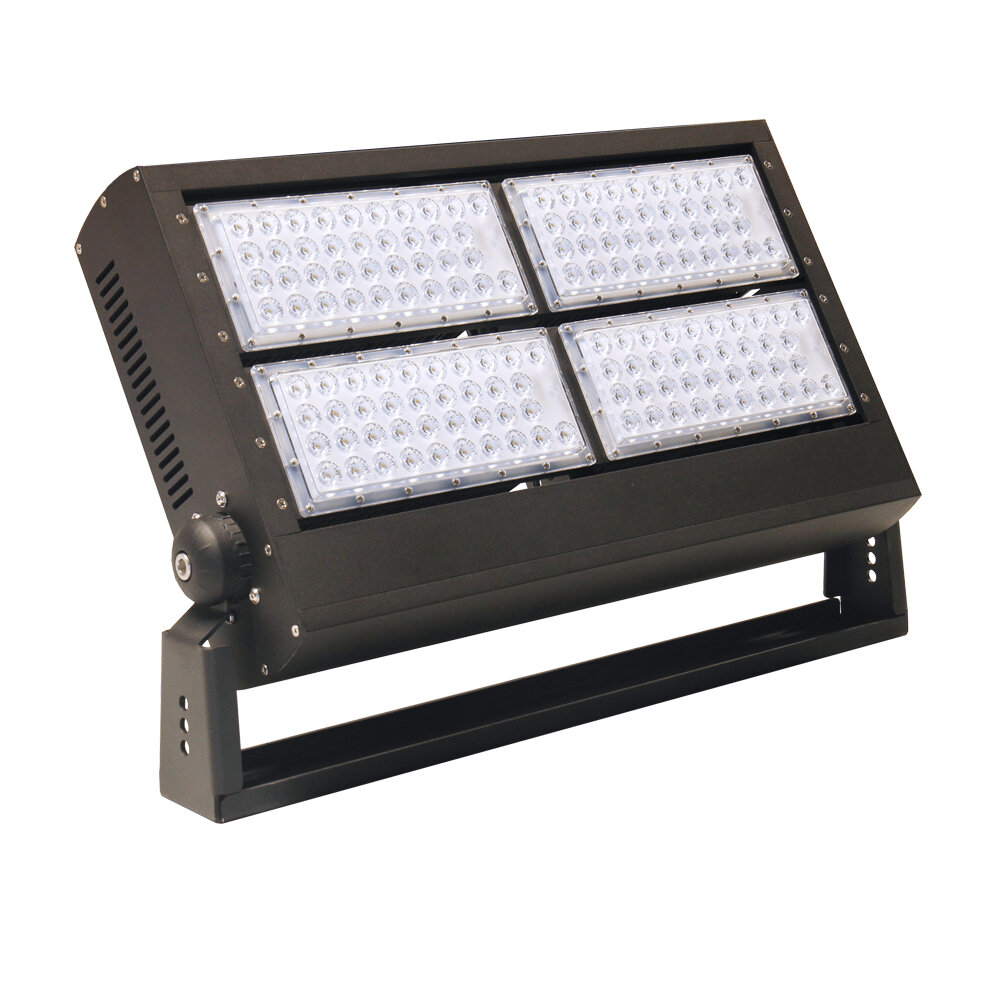
| Vehicle LED light bar/headlight | Static starts when auxiliary lights turn on | Check grounding, wire routing, and ferrites at the LED power leads |
| Loose wiring or bad ground | Noise changes with vibration or load | Repair connections before adding filters |
Fixes That Usually Work
- Replace the worst offender. A better LED bulb, fixture, or driver is often cleaner than trying to filter a noisy one.
- Use compatible controls. Pair dimmable LEDs with LED-rated dimmers and avoid mixing incompatible bulb types on one dimmer.
- Move wiring away from antennas. Keep LED power leads, drivers, and transformers away from radio antennas and coax whenever practical.
- Fix grounds and connections. In vehicles, poor grounds can turn wiring into a better noise radiator.
- Add ferrite chokes at the source. Clamp ferrites around the LED power lead close to the noisy driver or light, not randomly at the radio.
- Use shielded or shorter leads where practical. Long unfiltered LED leads can act like antennas.
- Document the problem. If interference affects licensed radio use or persists across products, keep notes on devices, times, bands, and tests.
Ferrite Chokes: Helpful, But Not Magic
Ferrites can reduce conducted radio-frequency noise when they are the right material, placed in the right spot, and used with enough impedance for the frequency involved. For LED lights, the best first location is usually the power lead close to the noisy LED driver, transformer, or vehicle light module. Snap-on ferrites may help; multiple turns through a larger core can help more when the cable size allows it.
| Where to put ferrite | When it helps | Common mistake |
|---|---|---|
| LED driver power lead | Noise rides on the LED wiring | Putting the ferrite only at the radio end |
| Low-voltage LED output lead | Strip lights or landscape lights radiate from long runs | Using a loose ferrite that barely couples to the cable |
| Vehicle light-bar harness | Static starts when auxiliary lights turn on | Ignoring bad ground or antenna routing |
| Radio power lead | Noise also enters through radio power wiring | Treating the radio instead of the source first |
Home Lighting Vs Vehicle Lighting
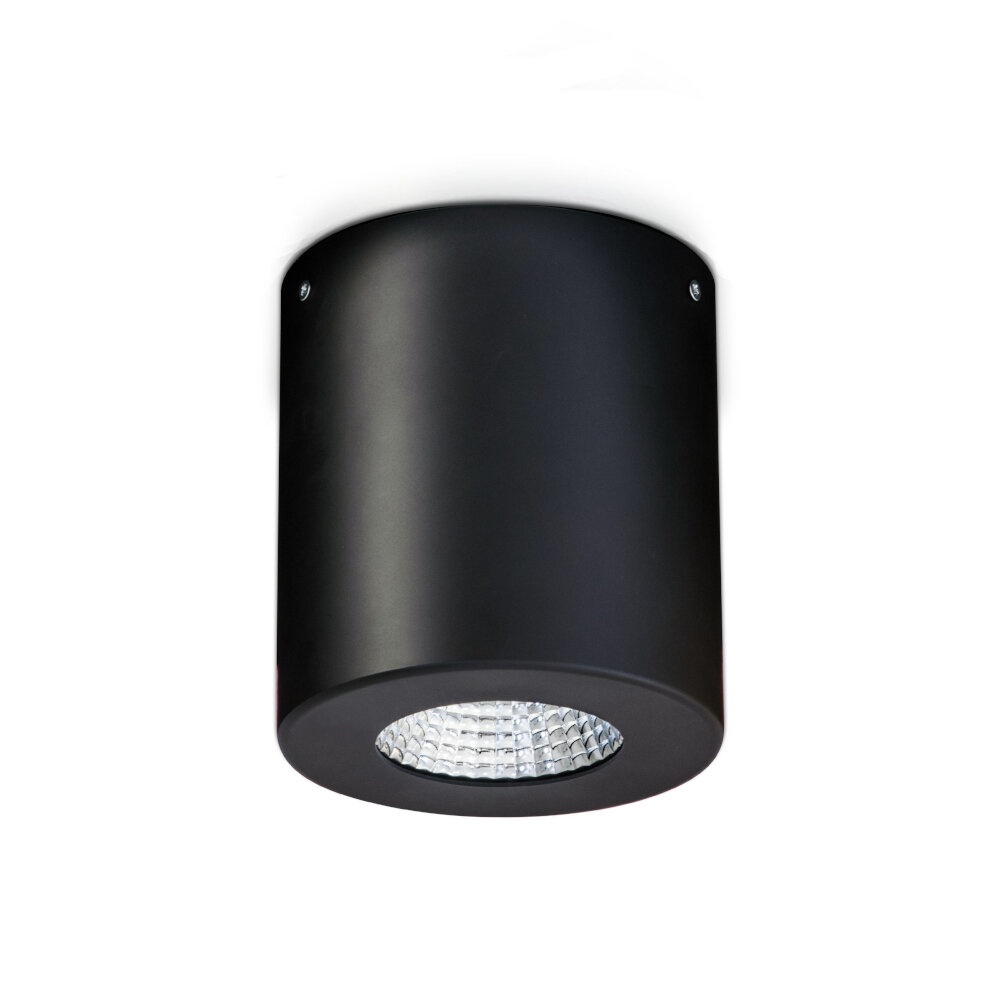
Home LED interference often comes from bulbs, fixtures, dimmers, plug-in drivers, or low-voltage transformers. Vehicle interference often comes from aftermarket LED headlights, light bars, work lights, or their control modules. The diagnosis idea is the same, but the safe repair boundary is different: household wiring belongs inside electrical-code rules, while vehicle fixes need good grounding, fused power feeds, and wire routing away from antenna systems.
What Not To Do
- Do not open sealed LED drivers unless they are designed to be serviced.
- Do not bypass grounds, fuses, or listed fixture parts to chase noise.
- Do not assume every ferrite bead works at every radio frequency.
- Do not bury a noisy transformer or driver where heat cannot escape.
- Do not keep using a light that smells hot, buzzes loudly, arcs, or trips a breaker.
Related GarageSanctum Guides
Source Notes
- FCC consumer guidance explains that unwanted RF signals can disrupt radio, TV, and cordless telephone reception.
- FCC interference resolution describes complaint and resolution pathways for RF interference issues.
- ARRL lighting devices guidance notes that some efficient lighting devices can create radio noise and possible interference.
- ARRL light-bulb RFI paper discusses conducted emissions from LED lighting and practical RF-noise behavior.