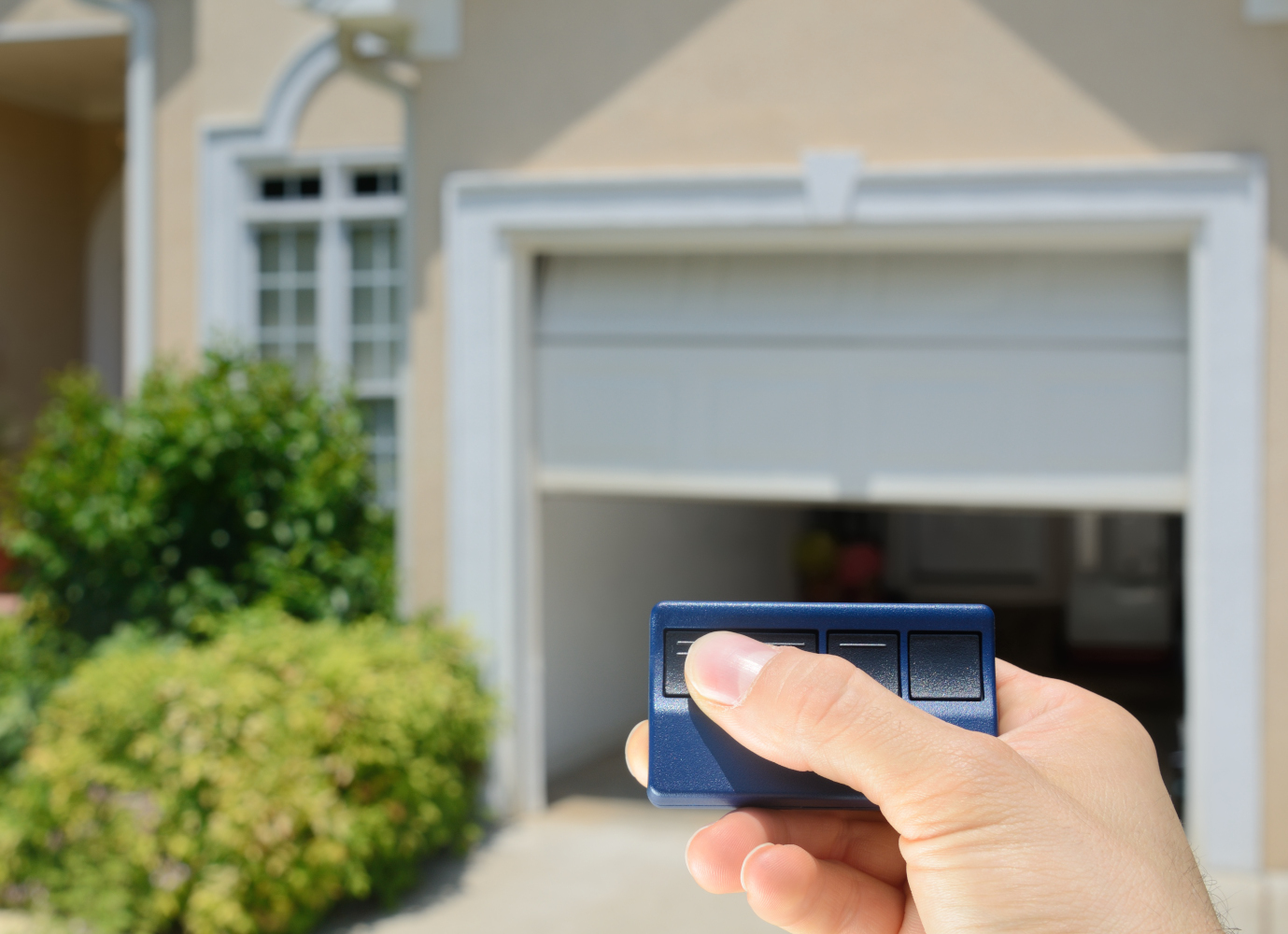
Installing a keypad to your garage door opener system
With a keypad for your garage door opener, you do not have to rely on a handheld remote every time. All you have to do is to enter the password and your door will open. This is one of many benefits and advantages modern garage door openers can offer. If you lose remote controllers often, now you know the ultimate solution. Of course, you will have to install it first and this guide is precisely written for that.
Garage Door Keypad Compatibility Checklist
Before buying or programming a keypad, confirm the opener brand, model number, learn-button color, frequency, and whether the opener uses rolling-code security. Universal keypads can work well, but they still need to match the opener’s radio system and programming method.
| Check before installation | Why it matters | Related GarageSanctum guide |
|---|---|---|
| Opener brand and model | Many keypads are brand-specific or only support certain generations of opener logic boards. | Garage door opener guide |
| Remote/keypad compatibility | If your opener already works with universal remotes, a universal keypad is more likely to be a practical option. | Universal garage door remote guide |
| Battery and signal range | Weak batteries and poor mounting locations can make a new keypad look defective. | Garage door opener battery diagnosis |
| Mounting surface | Brick, concrete, drywall, and trim need different anchors so the keypad stays secure. | Drywall anchor guide |
Choosing the new keypad
The first thing you will have to do is to choose the keypad that you want to install. This can be done in one of two ways. The first option is to choose universal keypad. It is the most common option these days and the most affordable for some of you. Keep in mind that first check the opener manual, learn-button type, and model number to confirm that a universal keypad is supported. Most, new models have outstanding compatibility so there won’t be any issues. Always bolt the keypad properly on the wall using anchors.
You can also install a specific keypad designed for your garage door opener. They are slightly more expensive, but they do offer more features and they look better. Some garage door openers include a keypad in the kit while others offer it as an optional extra.
Once you are done with this step you need to set a password. It is 4-6 number code that will be used to open the garage door. Make sure to insert the batteries before you start entering the code. Enter it two times to save and store it in the memory and you are done.
First test and installation
Enter the code and check whether the keypad opens and closes the garage door. If they work, the keypad is ready for installation. You are ready to move to the next step.
Now you should install the keypad to the wall or a post if you prefer. We highly recommend installing the unit 5 feet above ground in order to make it easy to use by all family members. Of course, this is your individual preference and you can install it literally anywhere. Don’t forget to screw it down with 2 or 4 screws. See more about drywall anchors.
Should you get a wired or wireless keypad?
All keypads can be divided according to the type. As such we can see wired and wireless models. Wired models are more affordable but they may look obsolete. You will have to place it on the exterior wall, drill a hole through that wall and feed the wiring to the garage door opener. Before connecting the wires, make sure to follow the steps presented below.
- Turn off the garage door opener and unplug it from the socket.
- Connect the wired keypad to the system.
- Press program or operation and you will get the ability to enter the code.
- Enter the code to the keypad. Yes, this means that you will have to go back and enter the code.
- Save the code.
- Mount the keypad to the wall and screw it down.
- Plug the garage door opener back to the wall socket.
As you can see even this type of installation is extremely simple and the programming is usually quick once the wiring path is planned. Don’t forget that you will need to unplug the garage door opener in order to prevent possible damages to the system. Once you are done with connecting the system, plug it back in. Wires should be properly installed and there must not be any objects pressing the wires.
Wireless keypads are definitely easier to install. They don’t have any wires, obviously so you will need even less time and you don’t have to unplug the garage door opener. The only drawback is the battery which has to be replaced after some time. These models are also more expensive than wired units. But, they look better and they are more sophisticated. Each one can be placed anywhere you like.
Conclusion
A keypad for your garage door opener is a simple, generally affordable and smart investment. You will get a more advanced system that is easier to use and more appealing at the same time. Make a clear decision about which type of keypad do you need and go for it. Soon you will realize that using a garage door opener without a keypad has no benefits. For more related maintenance work, start with the GarageSanctum repair and maintenance section or compare opener options in the garage door opener buying guide.