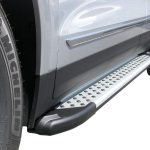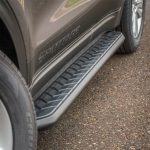
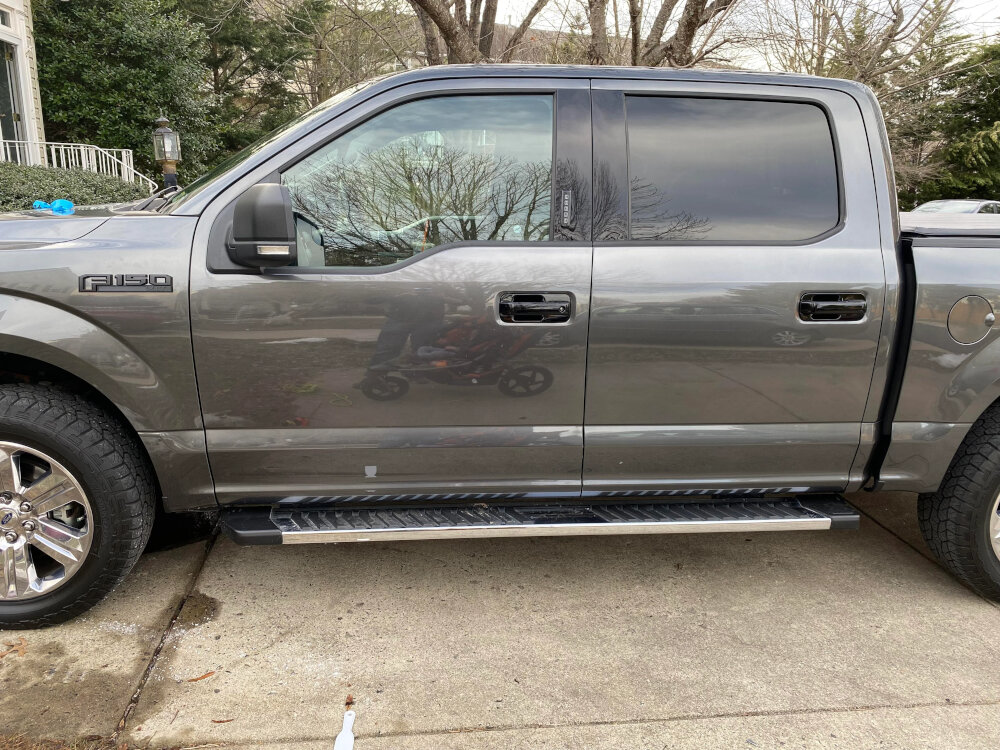
Quick answer: Install Chevy running boards from the instruction sheet for the exact board part number and exact vehicle configuration. Confirm model year, Silverado/Colorado/Tahoe/Suburban model, cab or body style, wheelbase, and any exclusions before opening hardware. Inventory the driver/passenger boards and position-specific brackets, protect the vehicle, loosely assemble the correct brackets at the documented factory mounting points, align the boards with the doors, then tighten fasteners in the specified sequence and to the kit’s torque values. Do not drill generic holes, substitute hardware, or copy torque values from another kit.
There Is No Single Chevy Bolt Pattern
“Chevy truck†covers many platforms and generations. A Silverado 1500 crew cab, Silverado HD double cab, Colorado, Tahoe, Suburban, and Silverado EV can use different board lengths, bracket counts, body attachments, clearances, and electrical interfaces. Even trucks with the same name can have a classic/limited body split or a model-year change that alters the application.
Current Chevrolet accessory listings tie assist steps to specific years and body styles. Current Westin application charts likewise assign different part numbers to Silverado crew and double cabs. That is why a useful installation guide must explain the decision process rather than invent one universal set of holes, bolts, and measurements.
| Confirm before installation | Where to verify it | Why it matters |
|---|---|---|
| Year, model, and generation | VIN, door label, official application chart | Body mounting provisions change |
| Cab/body style | Vehicle description and side-door layout | Controls board length and bracket spacing |
| 1500 versus 2500/3500 HD | VIN/build information | Applications and underbody clearances differ |
| Gas, diesel, hybrid, or EV | Exact product exclusions and instructions | Tanks, batteries, exhaust, and wiring affect clearance |
| Board and mount-kit part numbers | Box labels, invoice, manufacturer page | Separately sold boards may require a specific mount kit |
| Drilling or no-drill status | Exact instruction PDF | Never infer permission to drill from another application |
Choose The Correct Instructions Before The Correct Tools
Find the manufacturer instruction PDF by complete part number, including suffixes and revision letters. Check that the application line names your vehicle configuration. Then compare the illustrated parts list with the physical kit. Driver and passenger boards may differ, and front, center, and rear brackets may be shaped or labeled by position.
The manual determines the tools. A fixed-board kit may need only metric sockets, wrenches, a trim tool, and a torque wrench. Another kit may require thread treatment, rivet-nut tools, trimming, or drilling. A powered system adds wiring, fuses, a controller, lighting, and a vehicle signal connection. Buying tools from a generic list before reading the manual encourages improvisation.
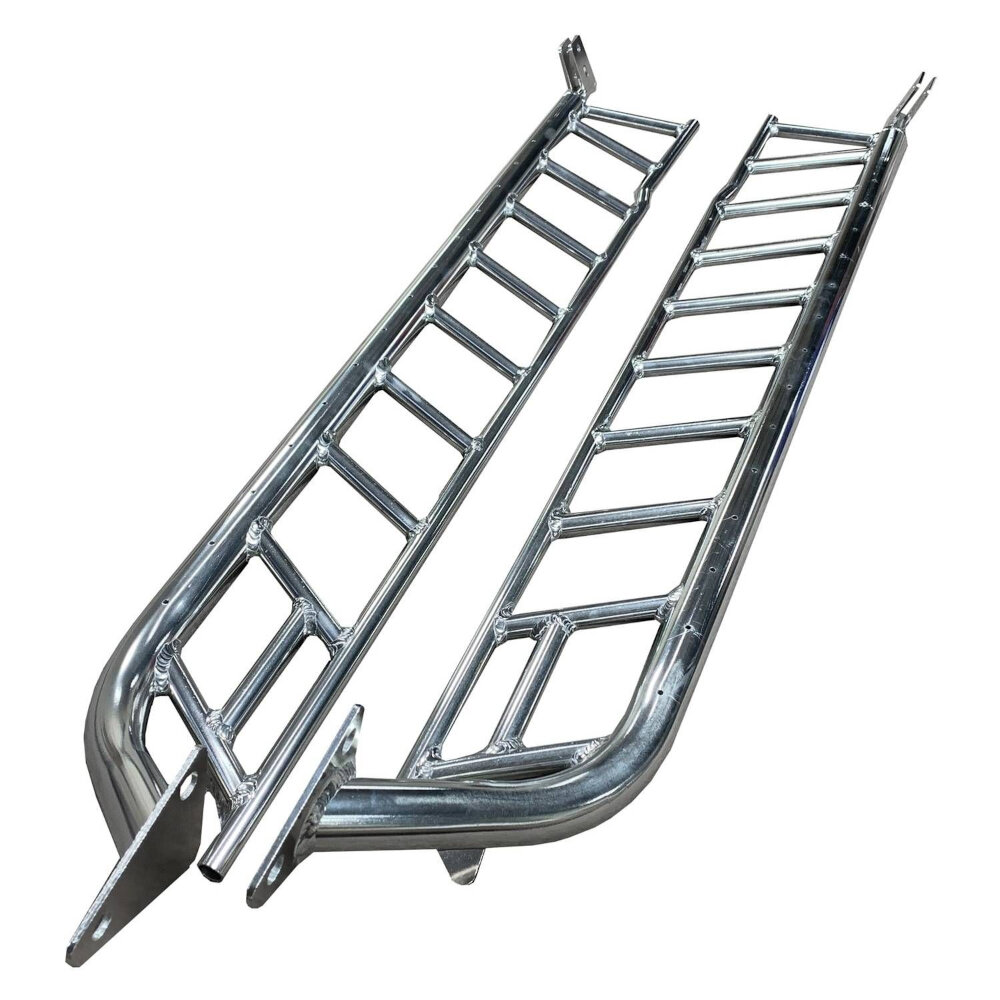
Inventory And Stage The Kit
Lay all parts on clean cardboard without mixing left and right hardware. Match every item to the manual’s parts diagram and report missing or damaged parts before installation. Do not replace a specified high-strength, coated, or stainless fastener with a similar-looking hardware-store bolt. Washers, lock nuts, U-nuts, threaded inserts, and bracket plates each perform a particular job.
| Kit item | Identification check | Do not assume |
|---|---|---|
| Driver/passenger board | Logo orientation, part label, pad placement | Two similar boards are interchangeable |
| Front/center/rear bracket | Stamp, shape, hole pattern, manual figure | All brackets mount in any position |
| Body hardware | Diameter, length, grade, coating, quantity | A bolt that threads in is correct |
| Board-to-bracket hardware | Track bolt or channel interface | It uses the same torque as body hardware |
| Powered components | Controller, harness, motor, lights, fuse | A mechanical-only guide covers the wiring |
Prepare The Truck Safely
Park on a level hard surface, select Park, set the parking brake, remove the key, and allow hot exhaust components to cool. Use wheel chocks. Most fixed-board installations can be completed with the truck on the ground if access is adequate. If the vehicle must be raised, use manufacturer-approved lift points and properly rated supports; never work under a vehicle supported only by a jack.
Clean the rocker and mounting area so factory holes, threaded inserts, plugs, seam sealer, corrosion, and previous damage are visible. Compare the actual mounting points with the manual before removing plugs or trim. Stop when the illustrated attachment is missing, damaged, heavily corroded, or already modified.
Install Fixed Running Boards In A Controlled Sequence
- Identify each mounting location. Work from the exact manual and orient the truck the same way as its diagrams. Do not rely on counting holes from a wheel opening unless the manual says to.
- Install body hardware as directed. Some kits use factory threaded holes; others use U-nuts, plates, or inserts. Protect hidden hardware from falling into cavities when the manual calls for retainers or guide wires.
- Attach brackets loosely. Start all fasteners by hand and leave enough movement for alignment. Cross-threading a body insert can turn a simple installation into a repair.
- Place the board on the brackets. Use a helper for long or heavy boards. Install the specified board fasteners without final tightening.
- Align the step. Check fore-aft position under the doors, clearance from painted surfaces, equal projection, and consistency between sides. Open every door and inspect seals, trim, and mud-flap clearance.
- Tighten in the instructed order. Use the torque values printed in that kit’s current manual. Body fasteners and board-channel fasteners may have different values.
- Repeat and compare. Verify that bracket positions and board height mirror the documented arrangement on the opposite side.
Powered Boards Need A Separate Electrical Plan
Powered boards are not fixed boards with motors added at the end. Follow the complete vehicle-specific powered-board manual for bracket installation, motor orientation, controller placement, harness routing, fuse connection, lights, and door or diagnostic signal. Disconnecting the battery, accessing a diagnostic connector, or routing near airbags and high-voltage components must follow the product and vehicle instructions.
Keep harnesses away from exhaust, steering, suspension travel, driveshafts, sharp edges, and pinch points. Use only the specified fuse and connectors. Do not pierce random factory wires, apply direct power to an unidentified motor, or assume an OBD-II connector works with every model year.
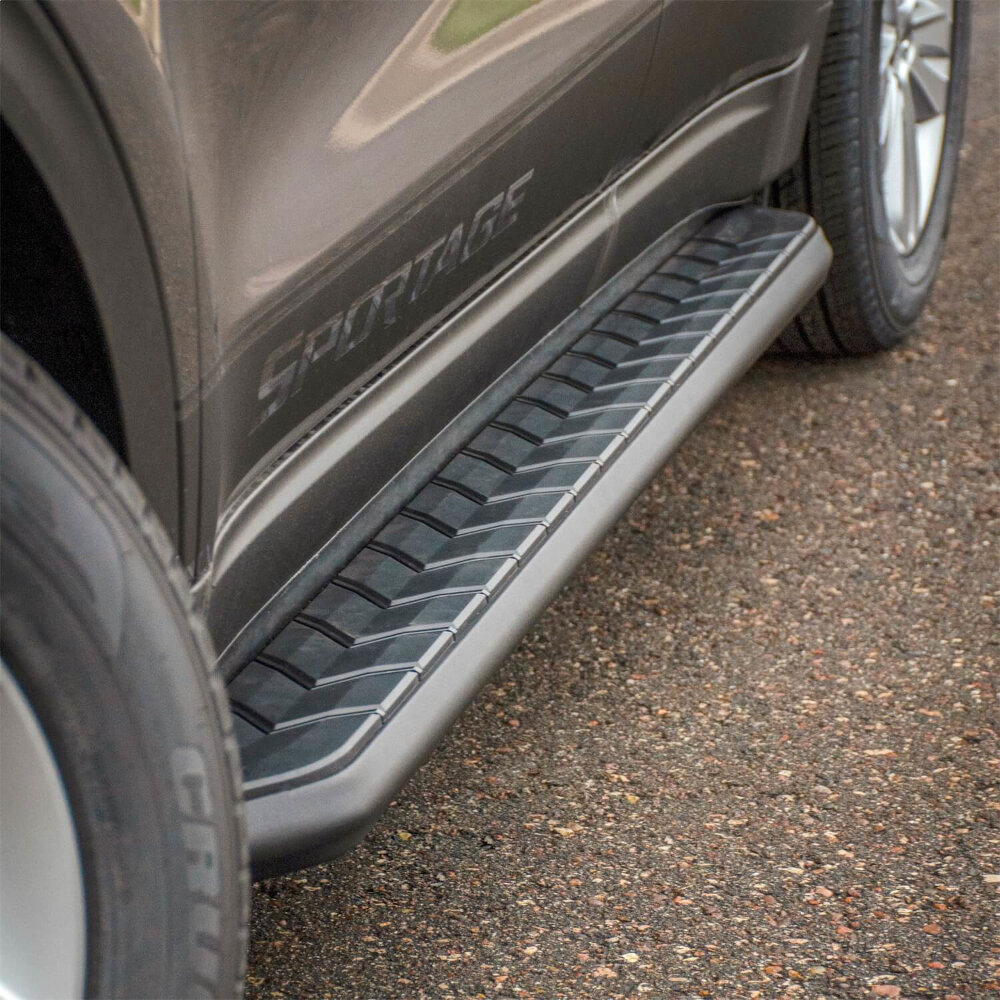
Alignment And Torque Are Separate Steps
Final torque locks the assembly; it does not correct poor alignment. Before tightening, view the board from the side and above. Confirm that tread areas sit where passengers naturally step, the board does not touch the rocker, doors clear through their full travel, and the brackets are not twisted. Measure from repeatable body features rather than the ground when tire pressure or floor slope could mislead you.
Use a calibrated torque wrench over the specified range. If the instructions require anti-seize on stainless hardware, use it because the listed torque may assume that condition; do not add lubricant when the manual does not call for it. Never publish or borrow one universal torque number for all Chevy running boards.
Post-Installation Inspection
| Check | Pass condition | Failure response |
|---|---|---|
| Board stability | No rocking, shifting, or bracket flex under controlled loading | Stop use and inspect hardware/application |
| Door and body clearance | No contact through full door travel | Realign before driving |
| Fastener condition | Fully seated and torqued per manual | Correct cross-threading or missing hardware |
| Underbody clearance | No contact with exhaust, tanks, wiring, or moving parts | Stop and correct the application/routing |
| Powered operation | Each door triggers smooth full deployment and retraction | Keep clear and diagnose from official procedure |
| Lights and harness | Lights operate and wiring remains secured | Repair routing or connections before road use |
After the first short drive, inspect for movement, contact marks, unusual noise, or loosened hardware. Follow the manufacturer’s recheck interval if one is stated. Periodically inspect after winter, off-road use, or impacts because road salt, mud, and damage can affect brackets and fasteners.
Check the tread surface at the same time. Replace loose pads or damaged end caps, and keep paint, wax, oil, and dressings off any area used as a foothold.
Common Chevy Installation Mistakes
| Mistake | Why it fails | Better practice |
|---|---|---|
| Buying by “Silverado†alone | Cab, generation, and HD applications differ | Match the complete vehicle and part number |
| Drilling generic holes | Can damage structure, wiring, or corrosion protection | Drill only where the exact manual directs |
| Substituting bolts | Grade, length, coating, or head can be wrong | Obtain documented replacement hardware |
| Fully tightening the first bracket | Removes adjustment needed for board alignment | Start all hardware loosely before alignment |
| Using an impact for final torque | Can over-tighten, gall, or damage inserts | Finish with the specified torque wrench |
| Ignoring powered-board routing | Heat or moving parts can damage the harness | Follow every routing and retention point |
When To Use A Professional Installer
Use a qualified installer when drilling or threaded-insert repair is required, mounting points are corroded or damaged, the truck has aftermarket armor or suspension interference, the board is powered, or the instructions conflict with the vehicle in front of you. Ask the shop to document the kit number, installation manual revision, final torque check, and any permanent modifications.
Related GarageSanctum Guides
- Understand common running-board attachment methods.
- Compare frame-mounted and rocker-mounted systems.
- Identify documented OEM running-board hardware.
- Choose a board that fits the truck and use case.
- Select a qualified running-board installer.
- Compare Chevrolet accessory and aftermarket options.
Source Notes
- Official Chevrolet Assist Steps catalog uses vehicle selection to compare fitment-specific running boards.
- Chevrolet part 86574792 product page documents a no-drill, hardware-included Silverado crew-cab application rather than a universal fit.
- Westin HDX application chart illustrates different part numbers for Silverado crew and double cabs.
- Westin HDX Silverado/Sierra installation instructions provide an application-specific parts list, tools, bracket layout, and torque procedure.
- Westin Pro-E Silverado/Sierra instructions show why powered-board installation needs its own mechanical and electrical procedure.