Quick answer: LED light color can mean three different things: the white-light color temperature printed in Kelvin, decorative RGB colors chosen from an app or remote, or small indicator/status colors on electronics. For household and garage lighting, Kelvin, lumens, CRI, and fixture rating matter more than the color name on the box.

LED Color Terms Explained
The most useful way to decode LED color is to separate brightness from color. Lumens describe how much light you get. Watts describe energy use. Kelvin describes whether white light looks warm and yellowish, neutral, or cool and bluish. CRI describes how accurately colors look under that light.
| Term | What it means | Why it matters |
|---|---|---|
| Kelvin / CCT | The appearance of white light, such as 2700K or 5000K | Controls whether a room feels warm, neutral, or daylight-like |
| Lumens | Total visible light output | Use this for brightness comparisons, not LED watts |
| Watts | Electrical power used | Important for energy use and fixture maximum ratings |
| CRI | Color Rendering Index | Higher CRI usually makes paint, wood, food, and skin tones look more natural |
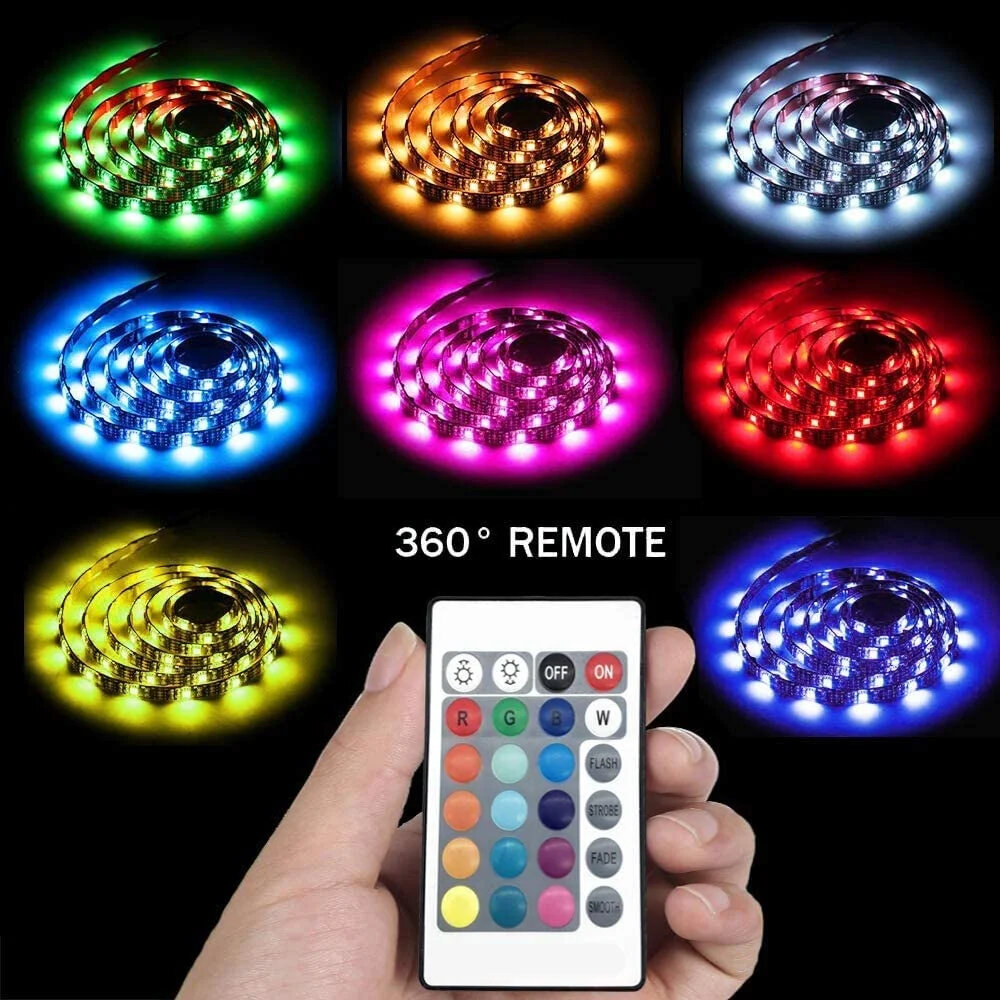
| RGB / color changing | Red, green, blue, and mixed colors from a smart bulb or strip | Good for accent lighting, but it does not replace proper white task lighting |
White LED Color Temperature Chart
Lower Kelvin numbers look warmer and more yellow. Higher Kelvin numbers look cooler and bluer. The best choice depends on whether you want comfort, task visibility, or a clean utility look.
| Color temperature | Common name | Best places to use it | Watch out for |
|---|---|---|---|
| 2200K-2400K | Ultra warm / vintage | Accent lights, decorative bulbs, relaxed evening lighting | Too dim-looking for detailed work |
| 2700K | Warm white | Living rooms, bedrooms, cozy porch lights | Can look yellow in a garage or work area |
| 3000K | Soft white / warm neutral | Kitchens, bathrooms, hallways, mixed-use spaces | Still not ideal for precision work |
| 3500K-4000K | Neutral white / cool white | Garages, workshops, laundry rooms, task areas | May feel less cozy in living spaces |
| 5000K | Daylight | Workbench lighting, inspection, utility rooms, high-visibility garage lighting | Can feel harsh if overused |
| 6500K | Cool daylight | Detail work where a very cool appearance is intentional | Often too blue and clinical for normal rooms |
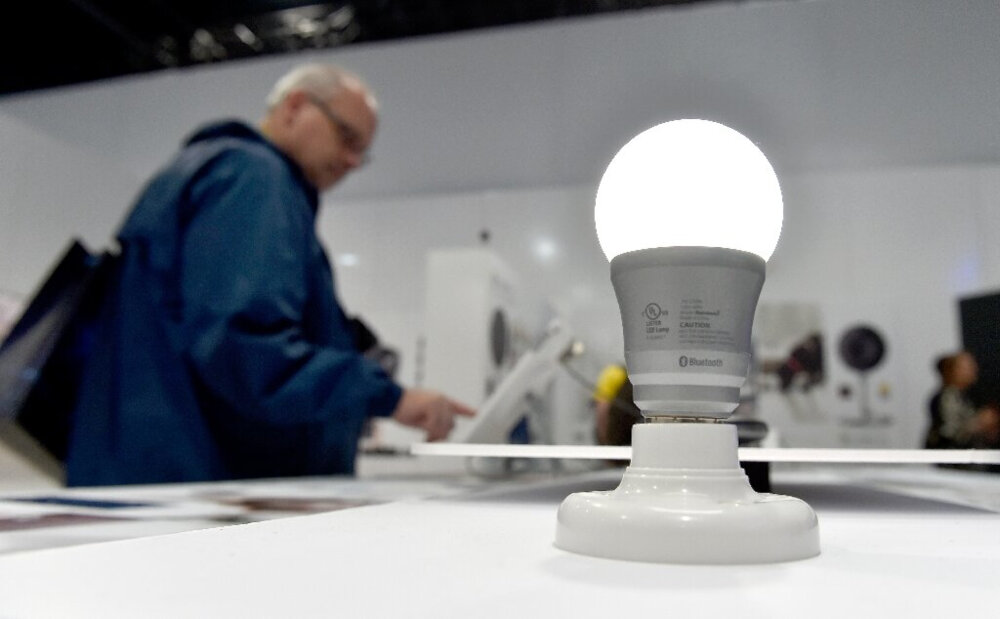
Best LED Color By Room Or Task
There is no universal best LED color. A garage workbench, a bedroom lamp, and an outdoor porch fixture should not necessarily use the same color temperature.
| Use case | Good starting point | Why |
|---|---|---|
| Bedroom or relaxed living area | 2700K | Warm white is comfortable and less work-like |
| Kitchen or bathroom | 3000K-4000K | Balances comfort with clearer task visibility |
| Garage ceiling lights | 4000K-5000K | Neutral/daylight light makes tools, shelves, and vehicles easier to see |
| Workbench or detail bench | 5000K with good CRI | Better for contrast, labels, wires, and small parts |
| Outdoor porch or entry | 2700K-3000K, wet/damp rated as needed | Usually more welcoming than very blue daylight |
| Accent or mood lighting | RGB or tunable white | Useful when color is decorative rather than functional |
What Red, Green, Blue, And Amber LEDs Usually Mean
Colored LEDs on electronics are not governed by one universal household meaning. A red light often means warning or attention, green often means normal or complete, blue often means power or connectivity, and amber often means standby or caution, but the device manual is the final authority.
| LED color | Common meaning | Important caveat |
|---|---|---|
| Red | Warning, stop, fault, charging, recording, or attention | On some devices it simply marks a mode or status |
| Green | On, ready, normal, complete, charged, connected | Not all products use green for success |
| Blue | Power, Bluetooth/Wi-Fi, pairing, standby, or decorative light | Blue status lights can be bright and distracting at night |
| Amber / yellow | Caution, standby, low battery, warming up, or intermediate status | May indicate normal operation on some controls |
| White | Illumination or neutral status indication | Usually not a warning color by itself |
| RGB / multicolor | User-programmed app color or scene | Meaning depends entirely on settings |
Kelvin Is Not Brightness
A 5000K LED is not automatically brighter than a 2700K LED. It may feel brighter because cooler light can create more contrast, but the brightness number is lumens. When replacing old bulbs, compare lumens and fixture compatibility first, then choose the color temperature.
If you are also trying to understand LED power use, see the GarageSanctum guide to LED wattage and lumens.
CRI And Color Accuracy
For garages, workshops, kitchens, closets, paint areas, and detail benches, CRI can matter as much as Kelvin. A low-CRI bulb can make colors look dull or wrong even when the Kelvin number seems correct. Look for higher-CRI LEDs when you need to judge paint, wiring colors, stains, finishes, or product labels accurately.
Common LED Color Problems
| Problem | Likely cause | Better fix |
|---|---|---|
| Room feels too harsh | Color temperature too cool, too many lumens, exposed diodes, or glare | Use warmer Kelvin, diffusers, lower lumens, or indirect lighting |
| Garage looks dim even with LED bulbs | Too few lumens or poor fixture spacing | Add lumens and improve layout before changing Kelvin |
| Bulbs in one fixture do not match | Mixed CCT, brands, batches, or CRI levels | Replace all bulbs with the same model and Kelvin |
| Colors look wrong on workpieces | Low CRI or overly cool/blue light | Use higher CRI task lighting near the work surface |
| Smart bulbs change color unexpectedly | App scenes, power-loss reset behavior, or automation rules | Check app defaults, schedules, and wall-switch behavior |
| LEDs flicker after changing bulbs | Dimmer, driver, transformer, or control incompatibility | Use compatible dimmers/bulbs and read the LED flickering guide |
Buying Checklist
- Choose color temperature by use: warm for comfort, neutral/daylight for work.
- Compare lumens for brightness and watts for energy use.
- Use higher CRI when color accuracy matters.
- Check dimmable, enclosed fixture, damp location, or wet location ratings before installing.
- For garage fixtures, prioritize even coverage and glare control over the highest Kelvin number.
- For smart RGB bulbs, confirm they can still produce good white light, not just saturated colors.
Related GarageSanctum Guides
- LED wattage explained
- LED vs regular light bulbs
- LED light flickering guide
- How long LED lights last
- LED porch lights blinking
Source Notes
- ENERGY STAR light bulb purchasing guide explains that lower Kelvin appears warmer/yellower and higher Kelvin appears cooler/bluer.
- FTC Lighting Facts guidance documents consumer label terms such as lumens, estimated energy cost, life, light appearance, watts, and mercury.
- RBW color temperature guide provides practical warm, neutral, and cool white ranges used in lighting selection.